A Demumu alternative for Android
An “Are You Dead?” app for Android.
Demumu, the viral “Are You Dead?” app, is only on Apple devices. If you’re on Android and want the same idea, a regular tap that tells someone you’re still okay, the Cekin app is free on Google Play. Here’s how it compares, honestly.
- Free on Google Play
- Repeating check-ins
- No background tracking
Good morning,
Sari
Be Sari for a second. Tap it.
What is the “Are You Dead?” app?
“Are You Dead?”, now called Demumu, is a check-in app from Sileme, a developer in China. It launched in May 2025 and went viral in January 2026. Its blunt name struck a nerve with people who live alone and have quietly wondered who would notice if something happened to them.
The idea is simple. You check in regularly, and if about two days pass without a check-in, the app emails the emergency contact you’ve set up.
Demumu is available for iPhone, iPad and Mac. There is no official Android version, so an Android app using the name isn’t the original. On Android, Google’s own option is Safety Check in its Personal Safety app, and dedicated check-in apps like Cekin cover the daily check-in.
Cekin vs Demumu vs Google Safety Check
Three apps, three slightly different jobs. Here’s how they compare on the things that matter most.
| Cekin | Demumu (“Are You Dead?”) | Google Safety Check | |
|---|---|---|---|
| Works on | Android, from Google Play | iPhone, iPad and Mac. No official Android app | Android, in Google’s Personal Safety app |
| Check-in rhythm | Repeats on its own, every 8 hours to 3 days. One tap restarts it | Regular check-ins; about two days without one triggers the alert | A one-off timer for a single activity. It doesn’t repeat, so you start a new one each time |
| If you miss it | Reminders and a one-to-three-hour grace period, then an urgent alert to your contacts with your last check-in location | Your emergency contact gets an email | Emergency Sharing starts and texts your live location to your emergency contacts |
| What your contacts need | The Cekin app on Android, and to accept your request | An email address | A phone number that can receive text messages |
Demumu and Google Safety Check details are taken from their public descriptions as of October 2026 and may change. Cekin isn’t affiliated with either. Product names belong to their owners.
Why Google’s Safety Check isn’t a daily check-in
Safety Check is a good tool for what it’s built for: a run, a late journey home, a first date. You set a timer for the activity, and if you don’t respond when it ends, your phone starts sharing your live location with your emergency contacts by text message.
But it doesn’t repeat. Each Safety Check covers one activity, and you start a new one next time. That works for an evening out; it’s easy to forget as a daily habit. Cekin’s countdown restarts every time you tap, so there’s always a next check-in on the way and nothing to remember to switch on.
Your contacts need the Cekin app
Demumu emails your contact and Google’s Safety Check texts them, so neither asks the other person to install anything. Cekin does. Every emergency contact needs the Cekin app on an Android phone and has to accept your request before they see your status or receive alerts.
That’s a deliberate choice. Nobody gets alerts about you unless they’ve agreed to be your contact, and nobody can be signed up for messages without knowing. In return, your contacts get more than a single message: they can see at a glance that you checked in today, get a heads-up as soon as you’re late, and see your last check-in location if the grace period runs out.
The downside is real, too. If the people you’d choose use iPhones, Cekin won’t work for them yet.
What Cekin does differently
- It repeats. Pick an interval from 8 hours to 3 days. One tap restarts it.
- It escalates gently. A missed check-in starts a grace period with reminders, and your contacts get a heads-up before the urgent alert goes out.
- It doesn’t track you. Location is recorded only at the moment you check in. No background GPS, no ads and no tracking SDKs.
- It’s mutual. Contacts accept before they see anything, and you can remove anyone at any time.
- It’s free. Download it from Google Play at no cost.
Read more about who it’s for: people living alone and elderly parents.
Which one should you use?
- On an iPhone? Cekin isn’t available for you yet, so Demumu or another App Store check-in app is the one to try.
- Need cover for one evening or trip? Google’s Safety Check is built for exactly that, and your contacts don’t need to install anything.
- Want a check-in that repeats on its own, on Android? That’s what Cekin is for.
Not officially. Demumu, the app originally called “Are You Dead?”, is available for iPhone, iPad and Mac. Cekin is a free Android app built around the same idea: check in regularly, and your emergency contacts are alerted if you don’t.
No. Cekin is made by Codeworks Indonesia and is not affiliated with Demumu, its developer or Google.
No. Every emergency contact needs the Cekin app on an Android phone and has to accept your request. Nobody receives alerts about you without agreeing to it first.
No. Cekin alerts the emergency contacts you have added. If you are in danger, call your local emergency number.
More ways people use Cekin

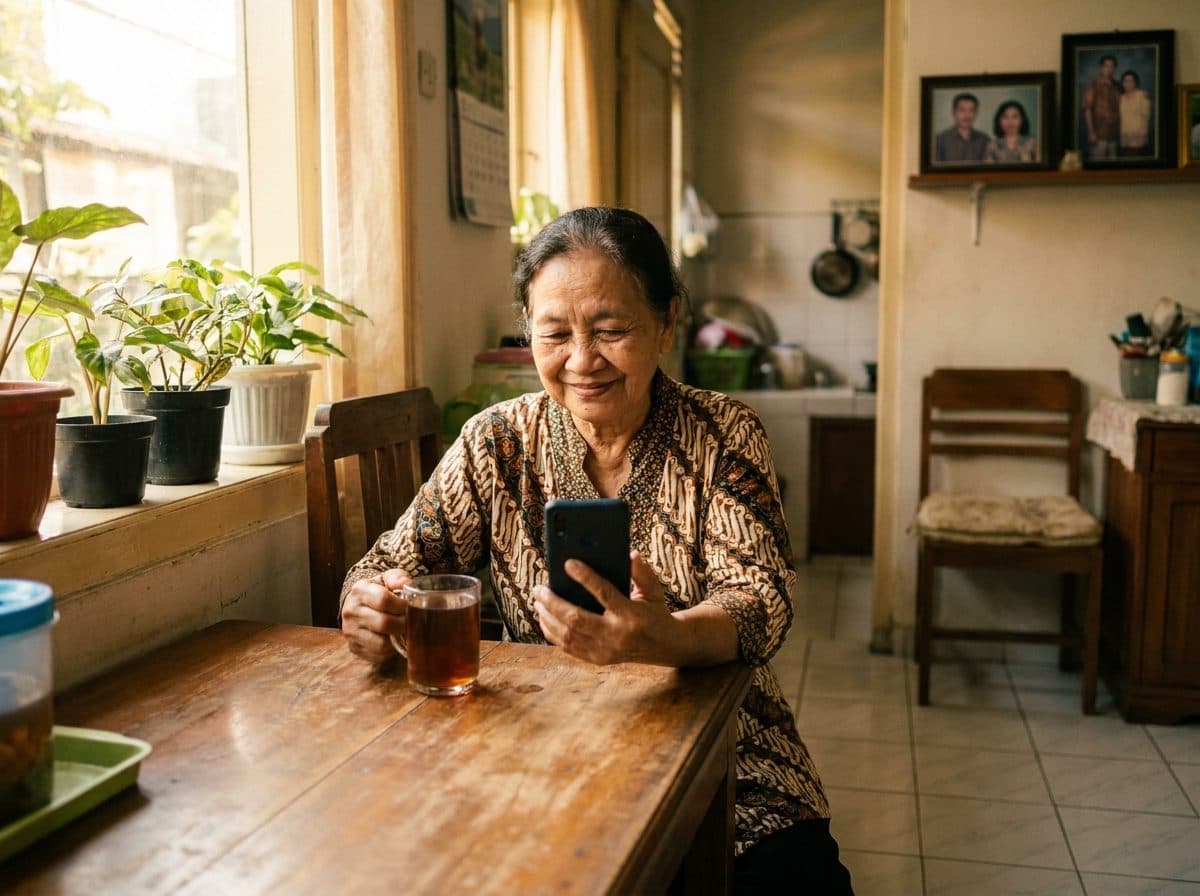

Photos on this page are AI-generated.