
For families who live apart
A gentle check-in app for elderly parents.
Your parent lives on their own and you’re a phone call away, if they pick up. With the Cekin app they tap once a day to say they’re okay, and you see it on your phone. If the tap doesn’t come, you’ll know, and you’ll know where they last checked in.
- Free on Android
- One button to tap
- No cameras or tracking


How to check on an elderly parent who lives alone
There’s no single right answer, and most families end up combining a few things. Here’s how the usual options fit together:
- Regular phone calls. Warm and personal, but easy to miss on both sides, and an unanswered call at 9 PM can leave you guessing all night.
- A neighbour or relative nearby. Invaluable when something does go wrong. Make sure they have a key and your number.
- Location-sharing apps. They show where your parent is all day. Many older adults find that intrusive, and a dot on a map doesn’t tell you they’re okay.
- Medical alert buttons and fall detectors. Worth looking at for a parent with a high fall risk or health conditions, since they’re designed to summon help quickly.
- A daily check-in app. One tap a day that says “I’m fine”. If it doesn’t come, you hear about it within hours instead of days. That’s where Cekin fits.
A check-in app doesn’t replace the calls. It means the calls can be about their day instead of “are you alright?”
One tap for them. One glance for you.
Cekin stays quiet while your parent checks in, and only escalates when a check-in is missed.
- 01Safe
Set it up together
Pick a check-in interval that fits their routine. Every 24 hours suits most daily habits, and the grace period can be one to three hours.
Sari picks 24 hours, around breakfast.
- 02Checked in
They tap once
One button. Tapping it says they’re okay, saves where they are at that moment and restarts the countdown.
Tea, tap, done.
- 03Grace period
A gentle nudge
Missed it? They get reminders and a grace period to check in, and you get a heads-up that they’re late.
Busy morning at the market? Happens.
- 04Alert
You know where to start
If the grace period runs out, you get an urgent alert with the location and address of their last check-in.
Dewi would know who to call.
What you see on your phone.
You need the Cekin app too: it’s how you accept your parent’s request and how alerts reach you. Once you’re connected, the Who Added Me screen shows whether they’re safe, when they last checked in and whether anyone might need a call. Alerts arrive as notifications, urgent ones may also come by email, and the status turns back to safe as soon as they check in.
- Checked in and on schedule
- Missed a check-in, in grace period
- Grace period over, alert sent

 Ibu SariChecked in today, 7:02 AMSafe
 RinaGrace period: 41 min leftMust check in
 AdiChecked in 2h agoSafe
Made for parents who don’t want to be watched
Asking a parent to install a tracking app can feel like telling them you don’t trust them to cope. Cekin is an easier conversation. There are no cameras and no background tracking: their location is recorded only at the moment they tap, and they choose which contacts can see it. If they miss a check-in and the grace period runs out, every approved contact can see that last location so someone can help.
It works both ways, too. Your parent can add you back, so the reassurance goes in both directions. And if several siblings share the worry, your parent can add each of you, so an alert reaches whoever is closest.
Setting it up with your parent
Set aside ten minutes, ideally in person or on a video call. You’ll each need an Android phone.
- Install Cekin from Google Play on both phones and create an account on each, with email or Google sign-in.
- On your parent’s phone, choose the check-in interval and grace period. 24 hours with a two-hour grace period is a sensible start.
- Allow location and notifications. Cekin needs location to record each check-in.
- On your parent’s phone, add you as an emergency contact by scanning your Cekin QR code or searching for your username. Then accept the request on your phone.
- Do a first check-in together and pick the moment it belongs to, like morning tea or the evening news.
When a check-in app isn’t enough
Cekin relies on your parent remembering to tap and keeping their phone charged. It doesn’t detect falls and it doesn’t call emergency services; it alerts you and the other contacts they’ve added. For a parent with memory loss, a high fall risk or serious health conditions, talk to their doctor about medical alert devices or care at home, and use Cekin as an extra layer rather than the only one.
Checking in is one tap on one button, and reminders arrive if they forget. Adding contacts takes a little more, so it helps to do that part together.
An Android phone with the Cekin app, an internet connection and location turned on. Cekin is currently available on Google Play only, and you need it on your own Android phone to be their emergency contact.
The countdown runs on Cekin’s servers, so a missed check-in is still noticed if their phone is off, and you will be alerted. A flat battery can therefore cause a false alarm, so a charger by the bed helps.
Yes. Cekin is free to download on Google Play, for your parent and for you.
More ways people use Cekin

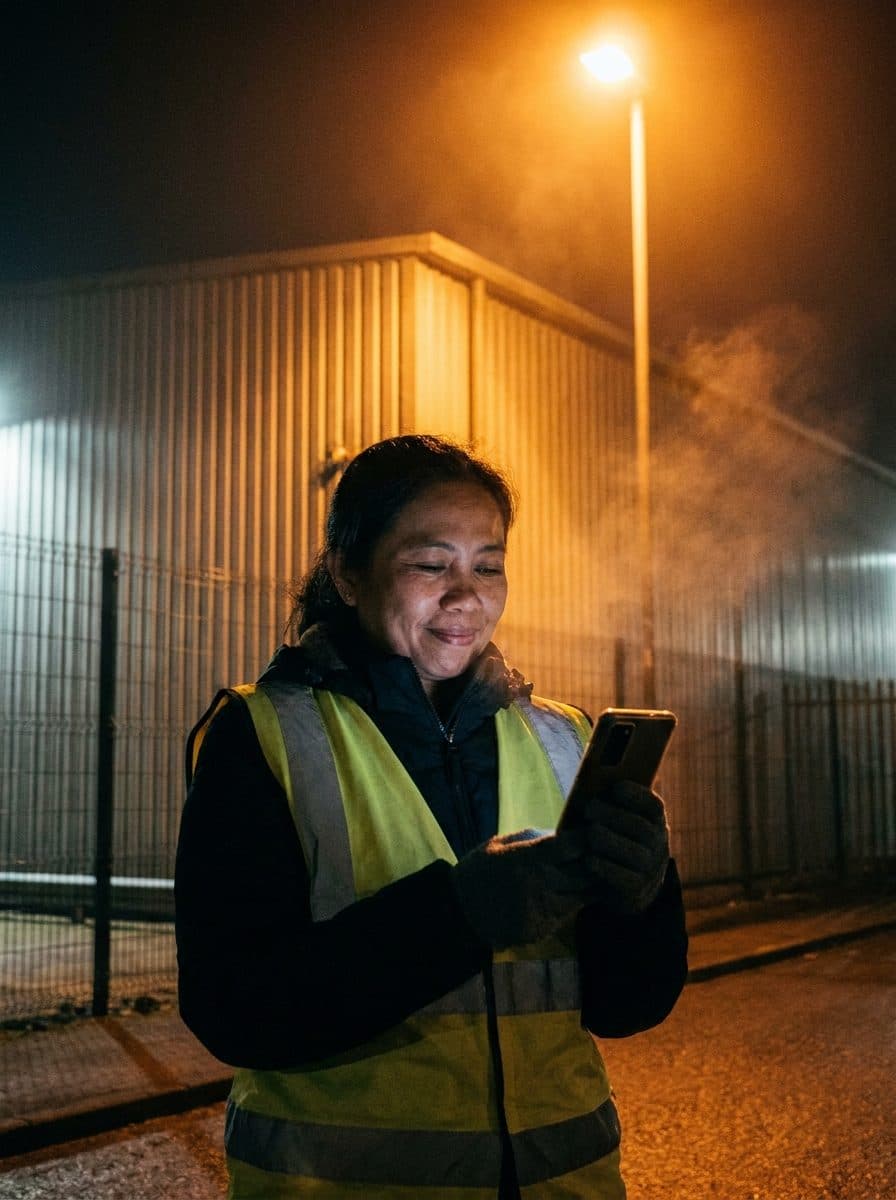

Sari and Dewi are an illustrative story. Photos on this page are AI-generated.





Because you’d want to know.
Ten minutes to set up together. Then a glance a day.
Get Cekin on Google Play