For people who live on their own
A daily check-in app for people living alone.
Living alone is great, right up until something goes wrong and nobody notices. The Cekin app gives you a small daily ritual: tap once to say you’re okay. If you don’t, the people you trust find out, along with where you last checked in.
- Free on Android
- No background tracking
- Contacts must accept


If something happened tonight, who would notice?
Most days, living alone is just life: your own schedule, your own fridge, nobody to answer to. The catch is that nobody notices when something is off. A fall in the shower, a fever that gets worse overnight, a dizzy spell after a long shift. If you live with someone, they find you. If you live alone, it can be days before anyone wonders why you’ve gone quiet.
That gap is what a daily check-in app closes. Not by watching you, but by asking one small question at a time you choose: are you okay? Answer it with one tap and nothing else happens. Don’t answer, and someone you trust gets a nudge to check on you.
Quiet when you’re fine. Loud when you’re not.
Cekin stays out of your way until a check-in is missed. Then it escalates gently, and only as far as it needs to.
- 01Safe
Pick your rhythm
Choose how often to check in: every 8, 12, 24, 48 or 72 hours. Every 24 hours, tied to a daily habit, is a good place to start.
Adi taps after his evening walk.
- 02Checked in
Tap once
One tap says you’re okay. Cekin saves your location at that moment, restarts the countdown and gets out of your way.
Ten seconds, tops.
- 03Grace period
A gentle nudge
Missed it? You get reminders and a grace period of one to three hours, and your contacts get a heads-up that you’re late.
Fell asleep on the sofa? Happens.
- 04Alert
Someone comes looking
If the grace period runs out, your contacts get an urgent alert with the location and address of your last check-in.
His sister would know where to start.
Who to add as your emergency contacts
Pick one to three people who would actually act on an alert: a sibling, a close friend, a partner who lives elsewhere, a neighbour with your spare key. Someone nearby is worth a lot, because the first thing they’ll do is knock on your door.
Cekin is built on consent. Each contact needs the Cekin app on their own phone and has to accept your request before they see anything. Once they do, they can see whether you’re safe and when you last checked in, and you decide, contact by contact, who can also see where. You can remove anyone at any time.

Peace of mind without living on a map
Many family safety apps work by sharing your location all day. That’s a lot to ask of an adult who simply lives alone. Cekin works the other way round:
- No background tracking. Your location and street address are recorded only at the moment you check in, and nowhere else.
- Shown when it matters. If you miss a check-in and the grace period runs out, all of your approved contacts can see your last check-in location so they know where to start. It’s hidden again once you check in.
- No ads, no tracking SDKs. Your data isn’t used for advertising or sold.
- Leave whenever you like. Delete your account and its data in the app, or from this website.
The full details are in our privacy policy.
A check-in time you won’t forget
The best check-in is one you’d do anyway. Tie it to something that already happens every day:
- With your first coffee or tea in the morning
- When you get home from work, or as you lock up for the night
- Before bed, if your mornings are unpredictable
Travel a lot or keep odd hours? A 48- or 72-hour interval still means someone would notice within a few days instead of a few weeks. If you work alone or head out on solo hikes, a shorter interval of 8 or 12 hours makes more sense. You can change your interval in settings once the current one ends.
What Cekin is, and what it isn’t
Cekin is a safety net, not an emergency service. It alerts the people you’ve added; it doesn’t call an ambulance or the police, and it can’t detect a fall. It also needs a little from you: a phone that’s charged and online, and location turned on when you check in. If you’re in danger right now, call your local emergency number.
Used alongside the usual things, like a spare key with a neighbour and a friend who knows your routine, it closes the stretch of days when nobody would think to look.
Set it up in a few minutes
- Install Cekin from Google Play and create an account with your email or Google.
- Choose your check-in interval and grace period.
- Ask one or two people to install Cekin, then add them by username or by scanning their Cekin QR code.
- Once they accept, check in for the first time. That’s it.
Add at least one emergency contact in your first week. Accounts that still have none after 7 days get a warning and are deleted a week later.
Yes. Cekin is free to download on Google Play for Android phones, for you and for the people you add as emergency contacts.
The countdown runs on Cekin’s servers, not only on your phone, so a missed check-in is noticed even if your phone is off. That also means a flat battery can set off an alert, so keep a charger somewhere you’ll see it.
Yes. Cekin is currently available on Google Play for Android only, and each emergency contact needs the app to accept your request, see your status and receive alerts.
No. Cekin alerts the emergency contacts you have added, not emergency services. If you are in danger, call your local emergency number.
More ways people use Cekin

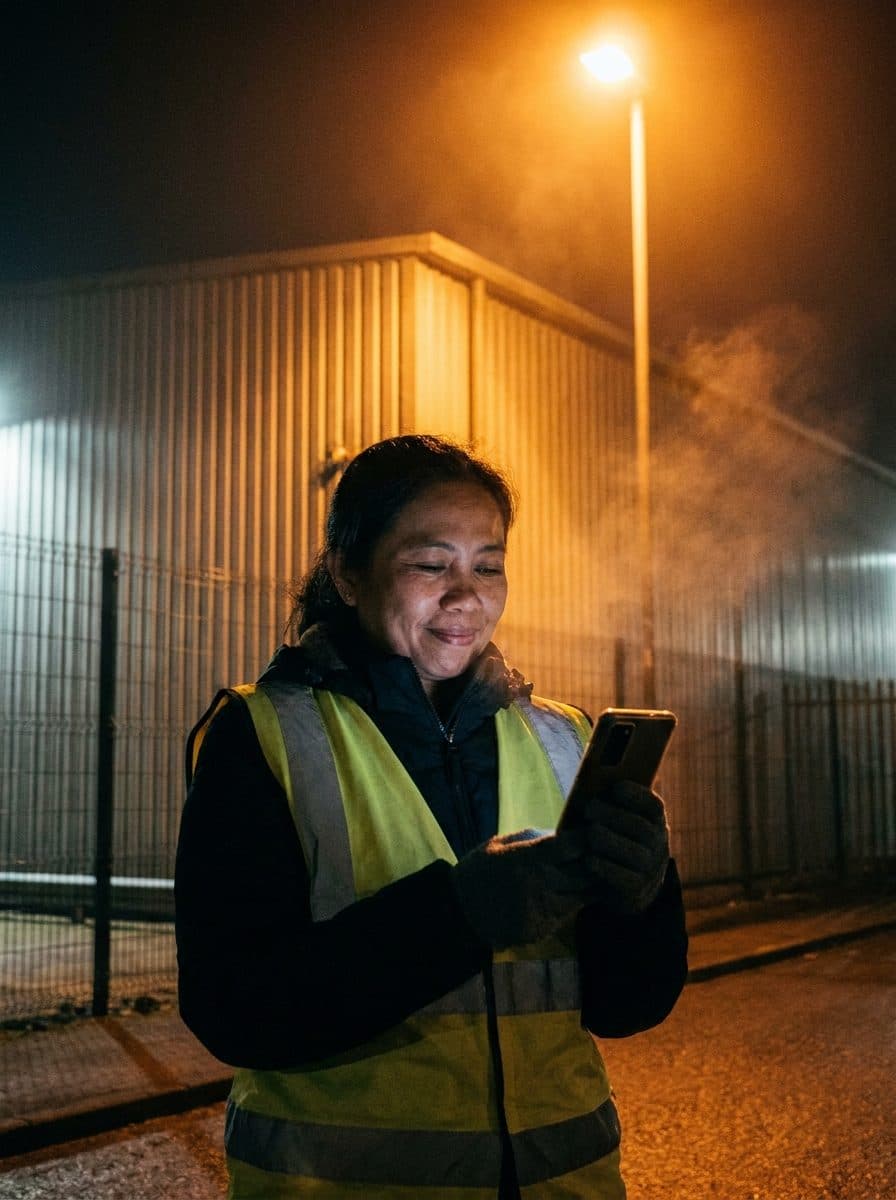

Adi is an illustrative example. Photos on this page are AI-generated.